
Developers & Builders
Track progress and drive pre-sales.
End-to-end media production, from the initial dirt turning to the final model home showcase. Sell the vision before it's built.


5-star rated on Google & Facebook
A1Plan-to-Showroom
Sell every elevation before the first pour.
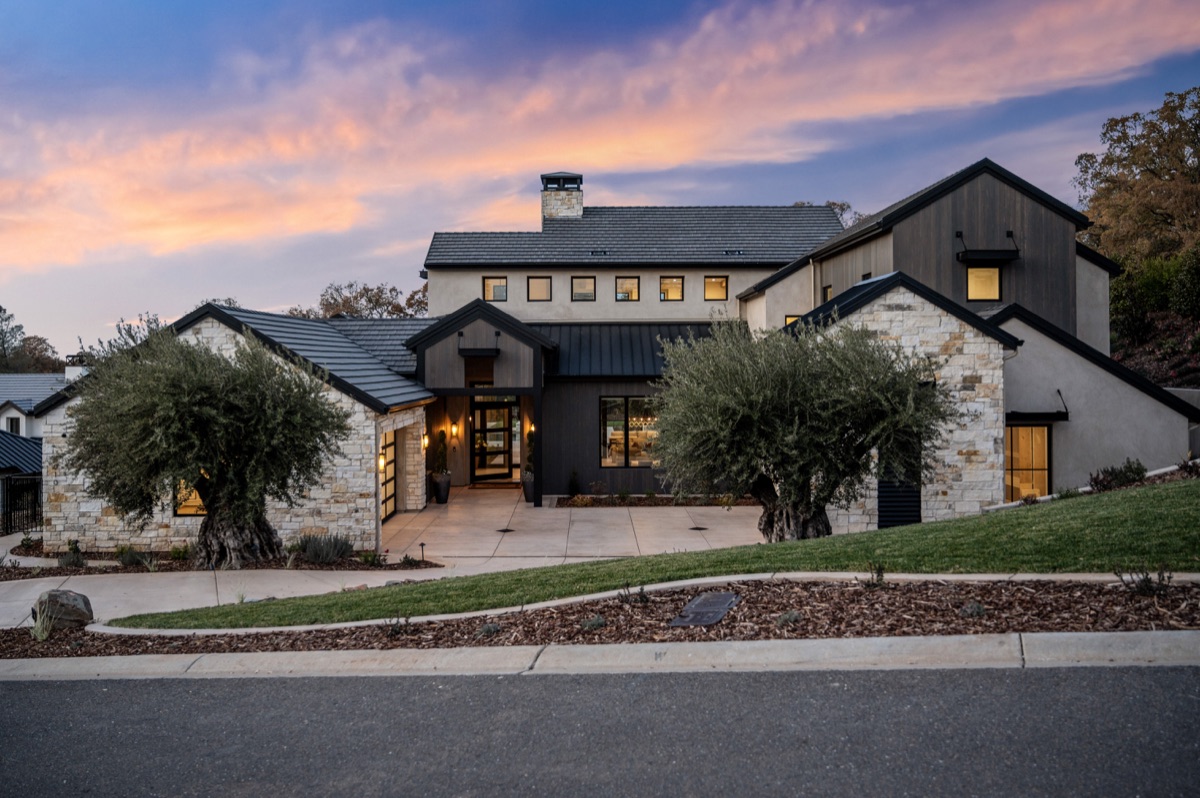
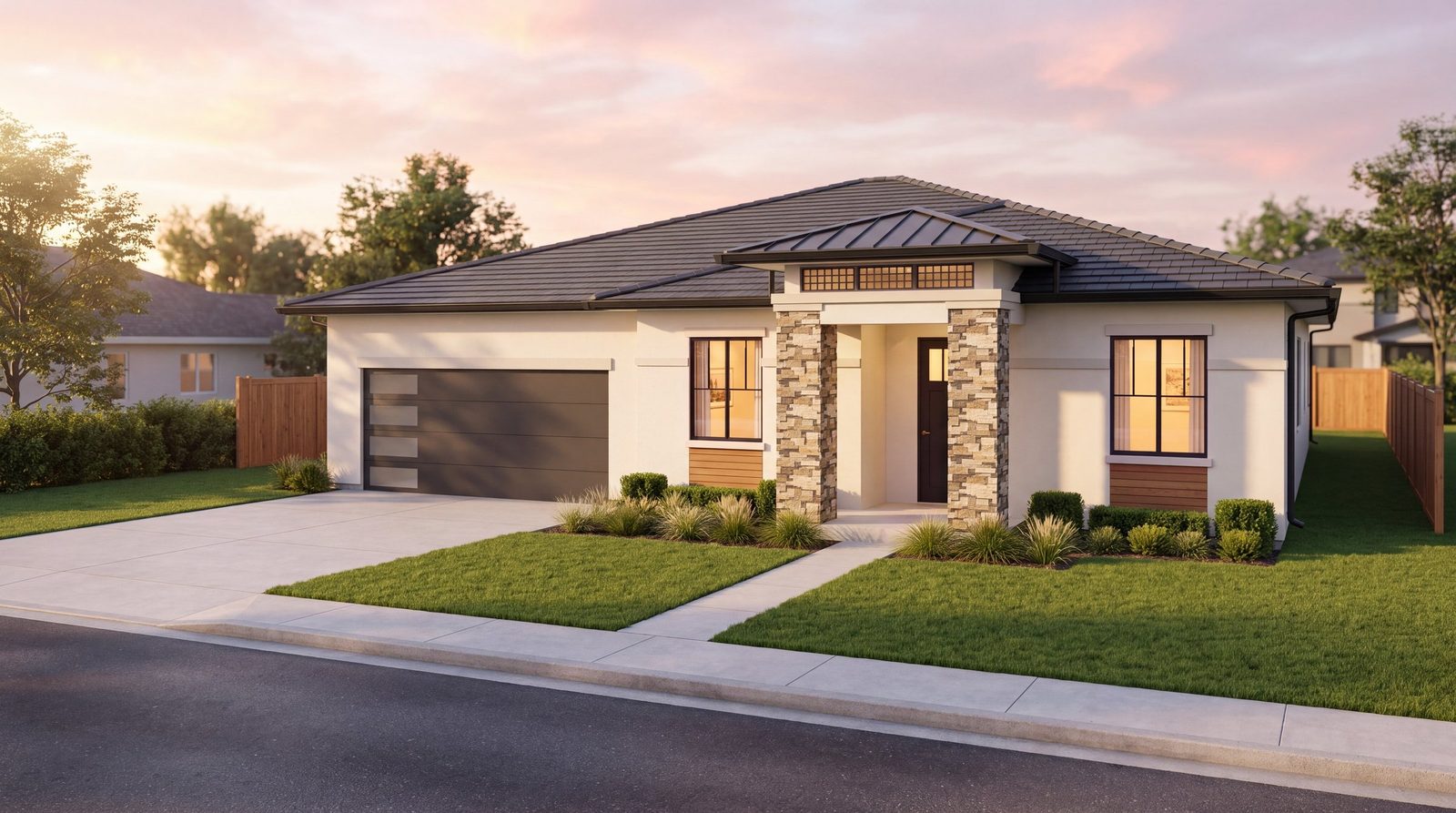
Send us your construction drawings. We return photoreal street views for every elevation, a live 3D model, 360° interiors and a plan book, all built from your plans and checked against them. Buyers see the home long before it’s built.
Powered by Dwelln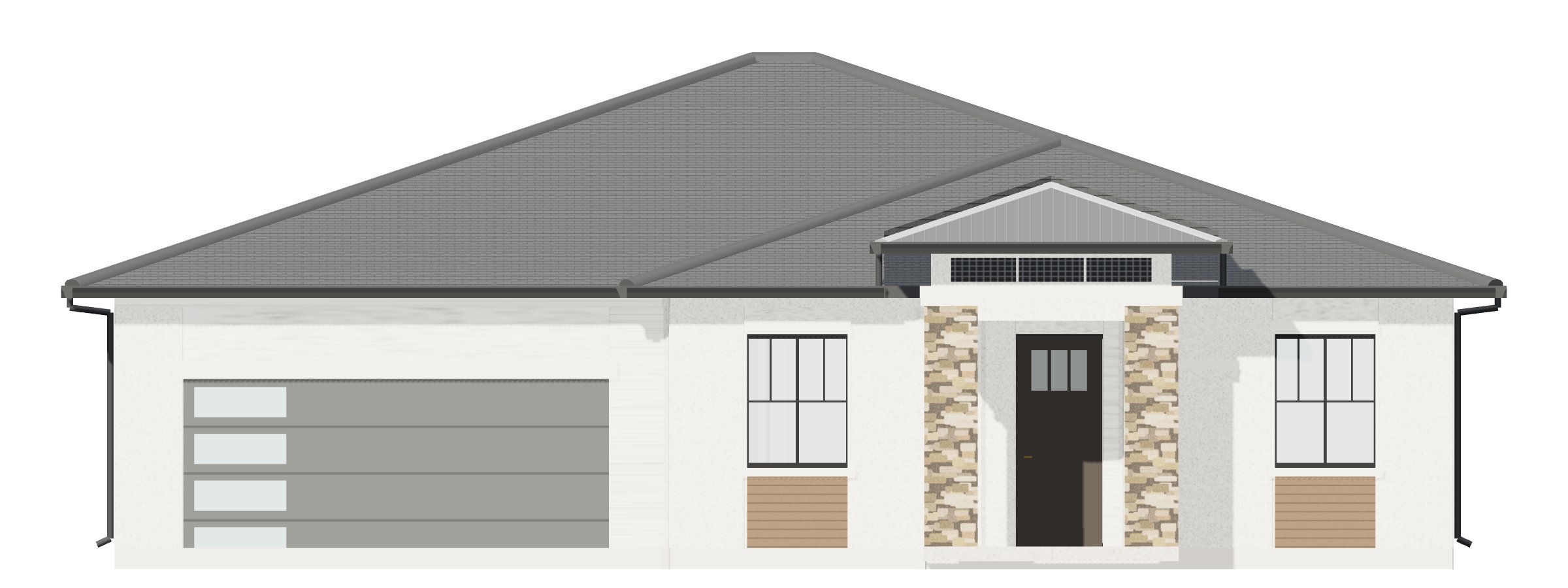
Keep scrolling ↓
- Elevations built
- 4 of 4
- Images per plan
- 18
- Front roofline vs. the drawing
- ~2″
- Rooms toured in 360°
- 3
A2Every Elevation
One floor plan. Four first impressions.
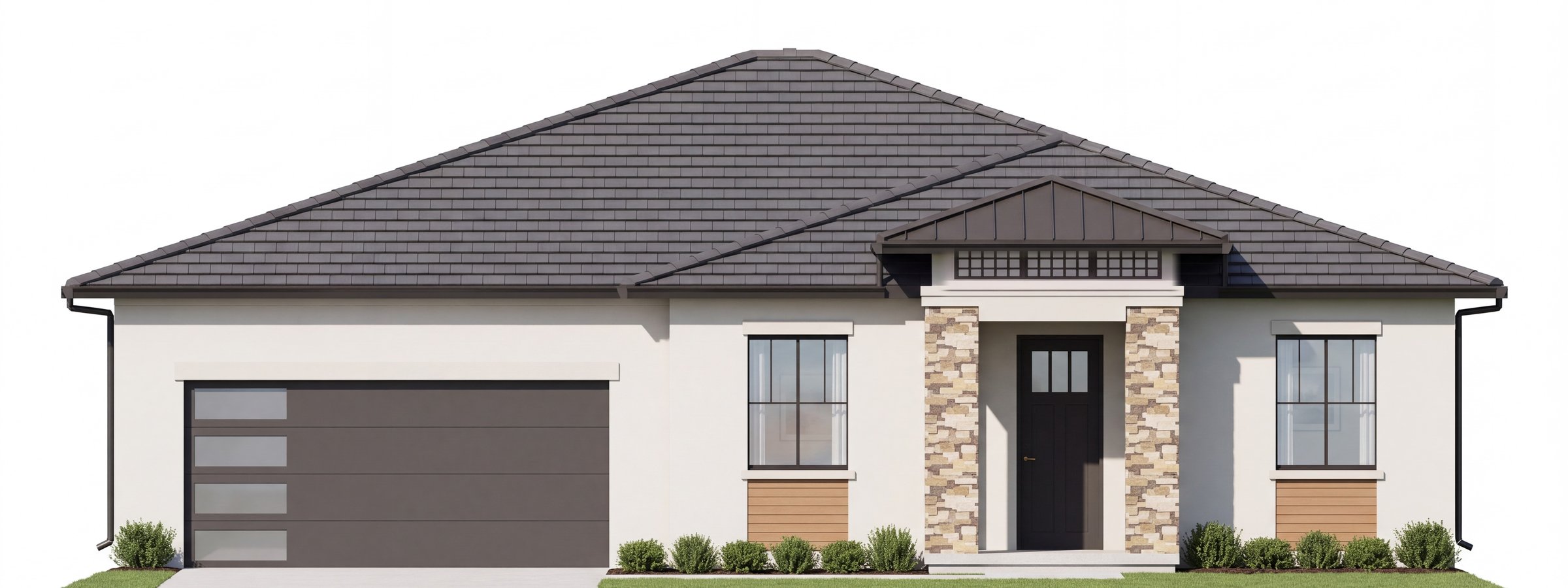
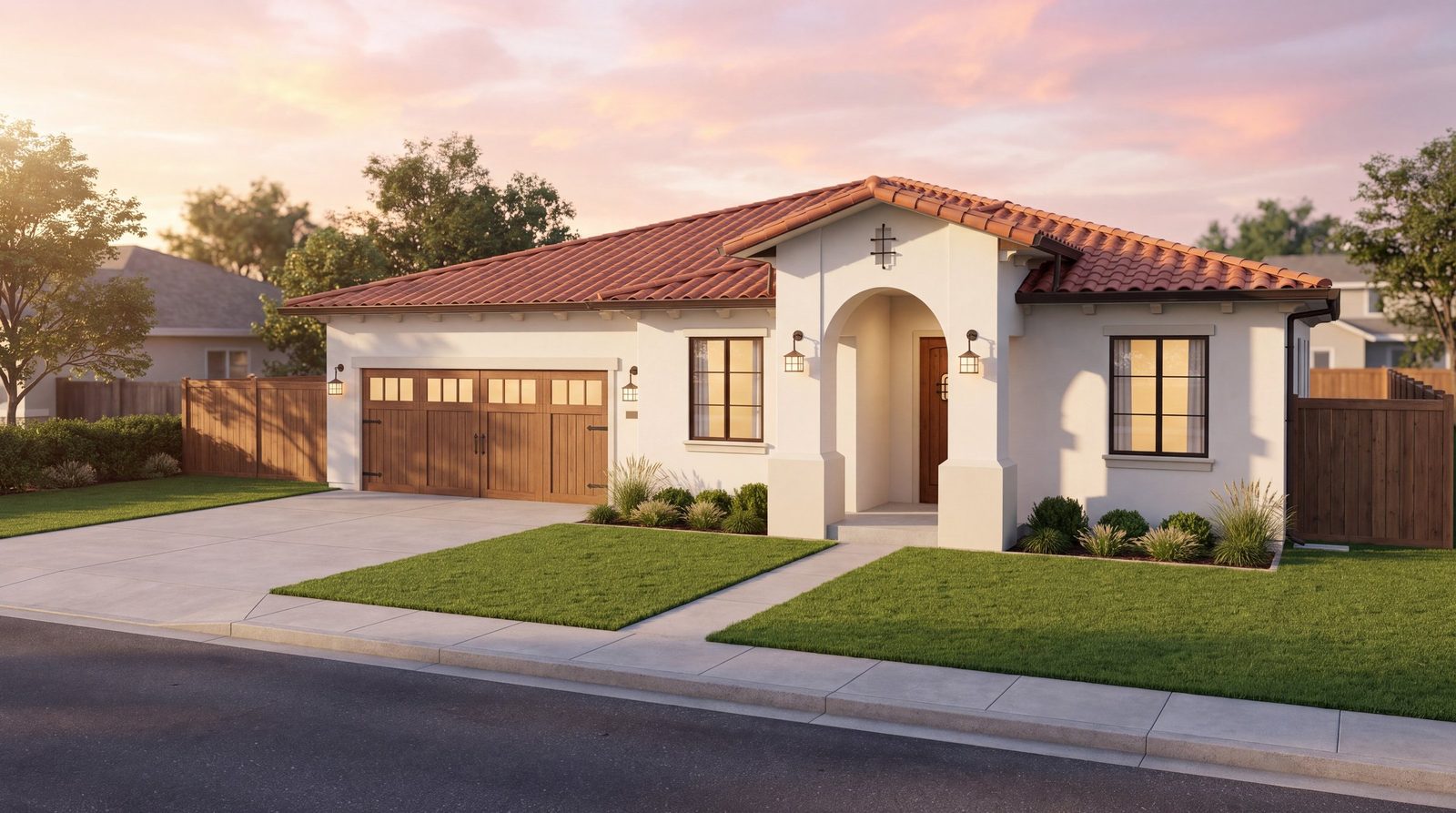
Modern Prairie, Farmhouse, Spanish and Monterey, each matched to its own sheets, down to the Spanish tower, the Farmhouse dormer and the Monterey porch. Pick a style and watch it turn. Buyers choose from a photoreal view, not a line drawing.
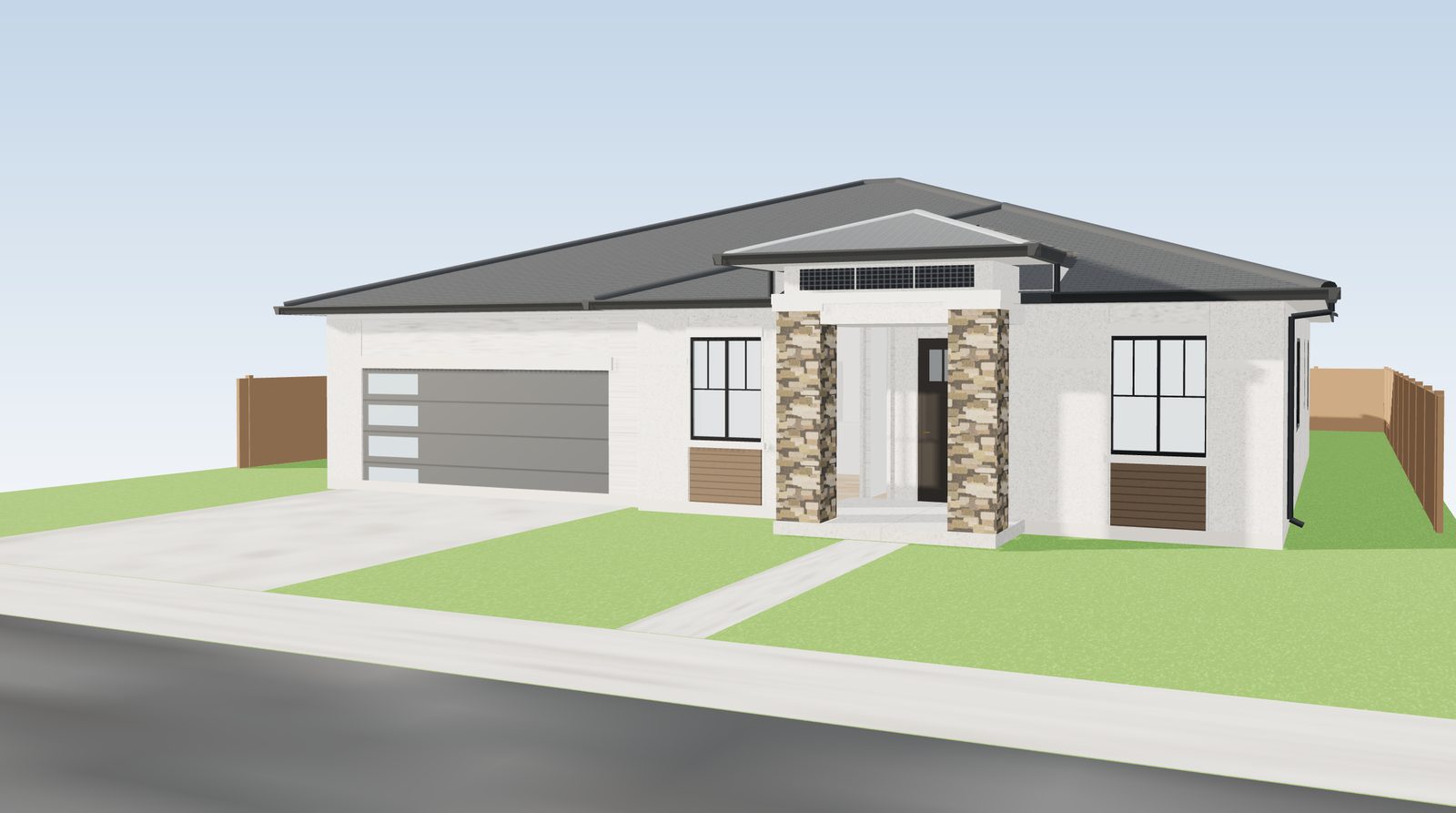
Drag to compare the 3D model and the photoreal view
A3Drawing Accuracy
What buyers see is what you build.
A rendering that doesn’t match the plans is a promise you can’t keep. We hold every view to the architect’s sheets, so your brochure, your website and the finished home all agree.
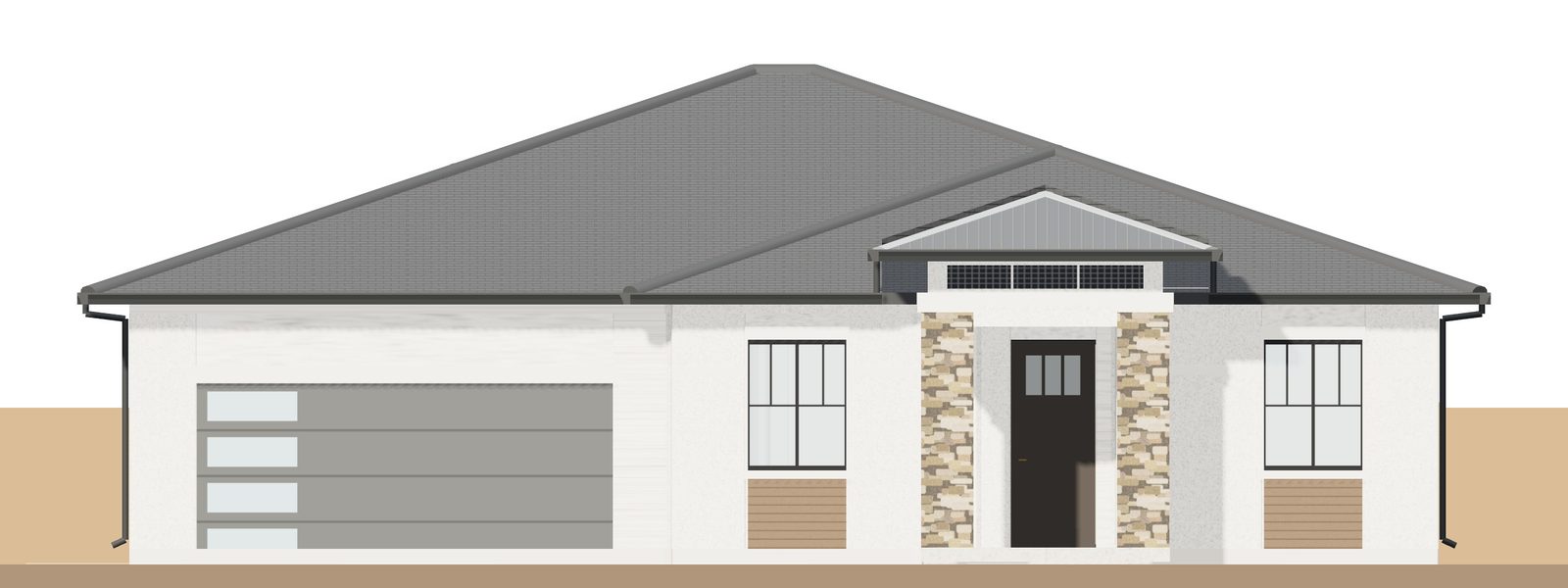
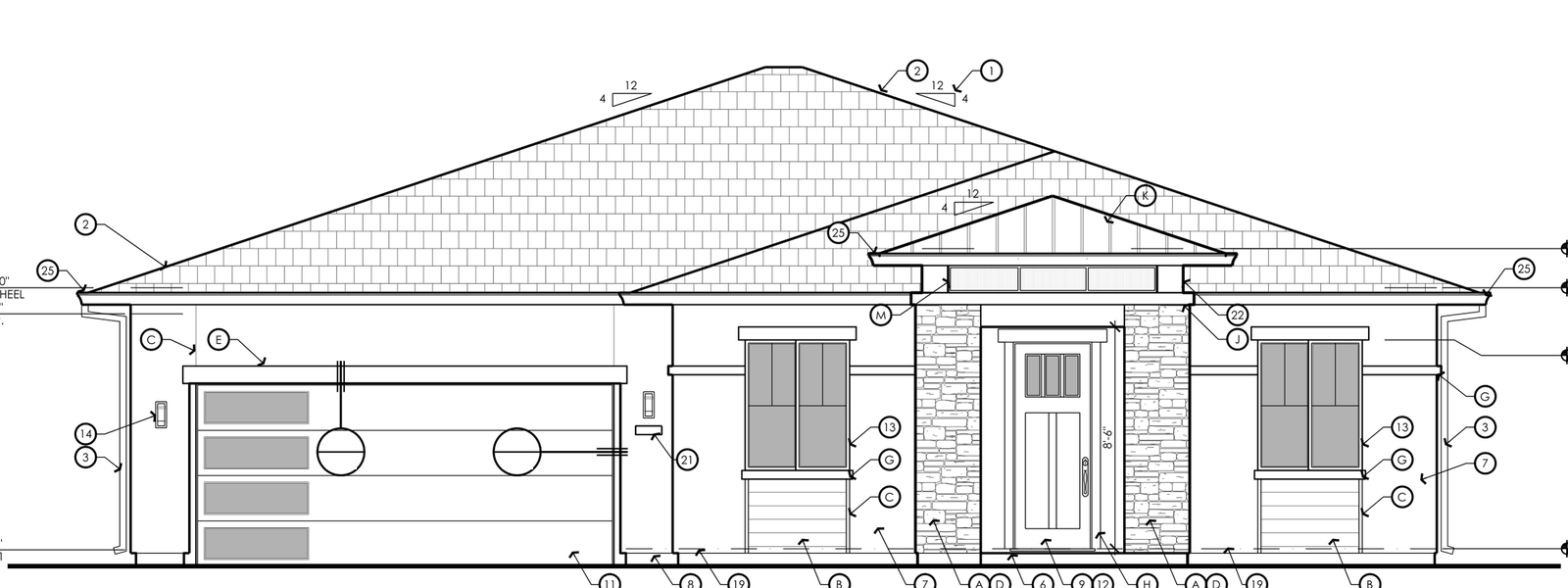
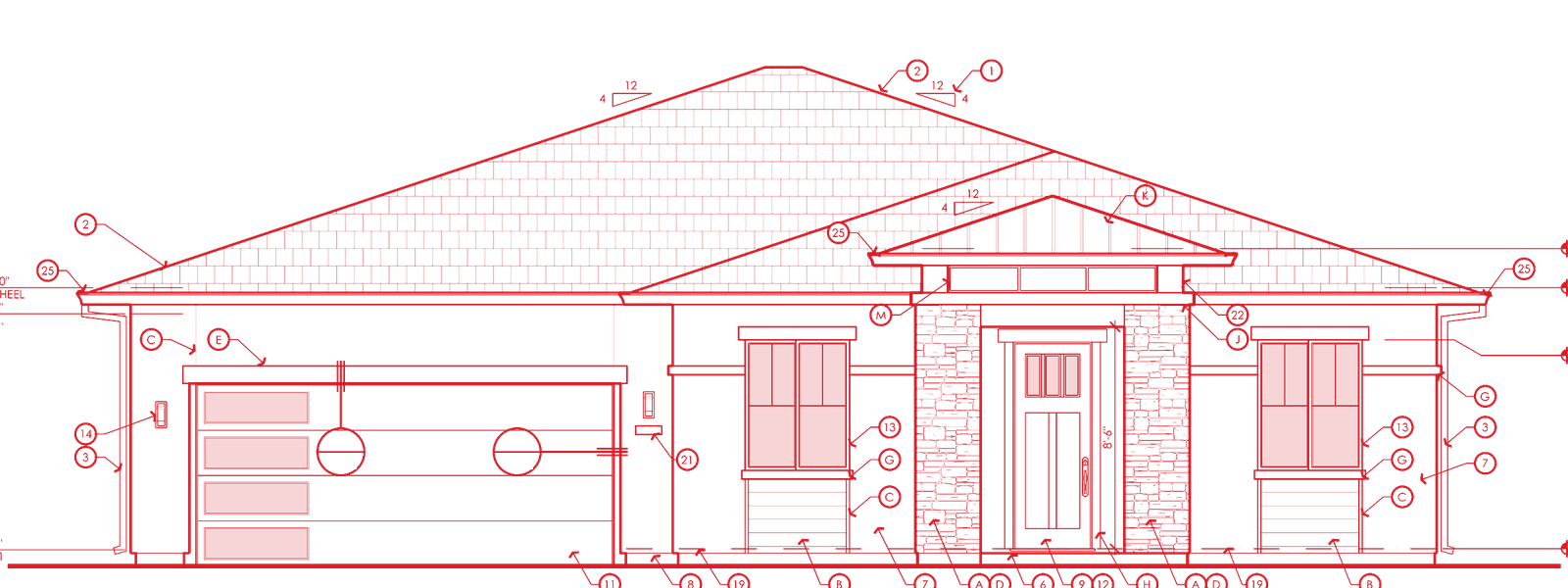
Hold our model up to your drawing.
Drag between the architect’s front elevation and our 3D model, or lay the drawing right over it. The front roofline lands within about two inches.
A4360° Interiors
Tour it now. Frame it later.
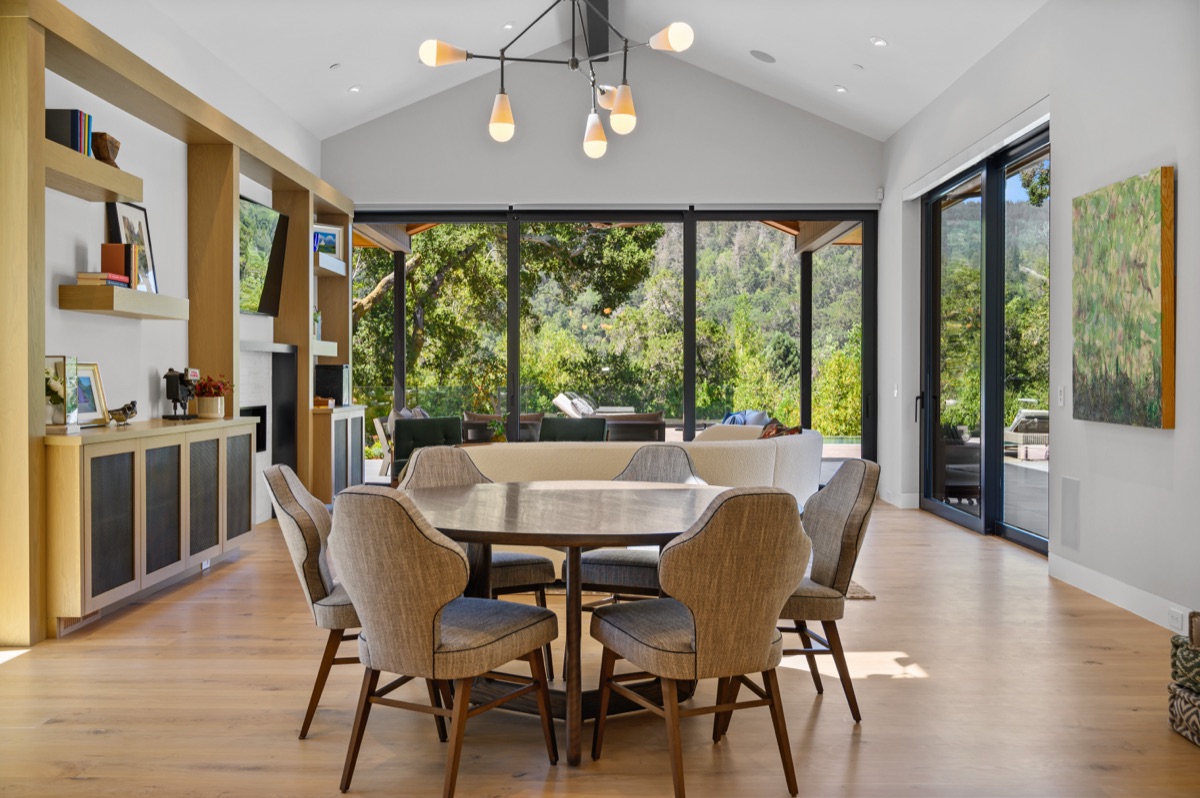
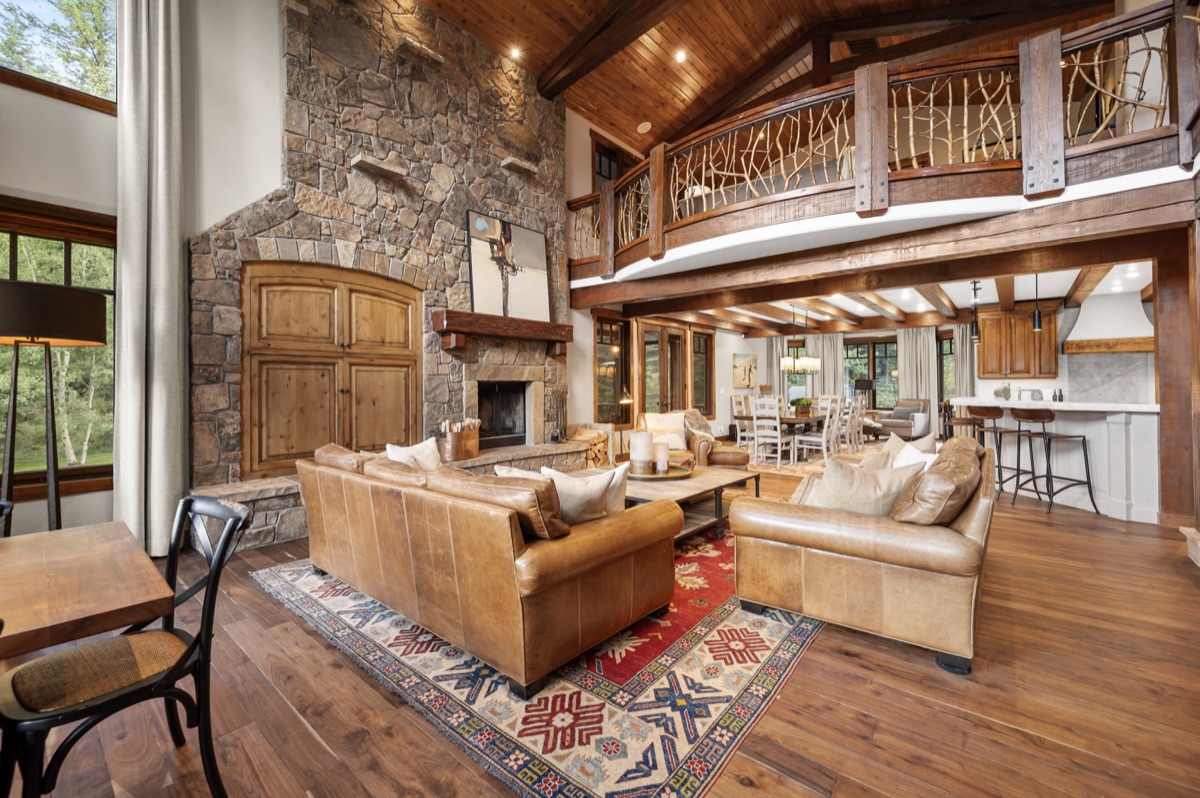
Windows, ceiling heights and the kitchen island sit where the plan puts them. Look around the family room, kitchen and primary suite, then send the same tour to every buyer on your list.
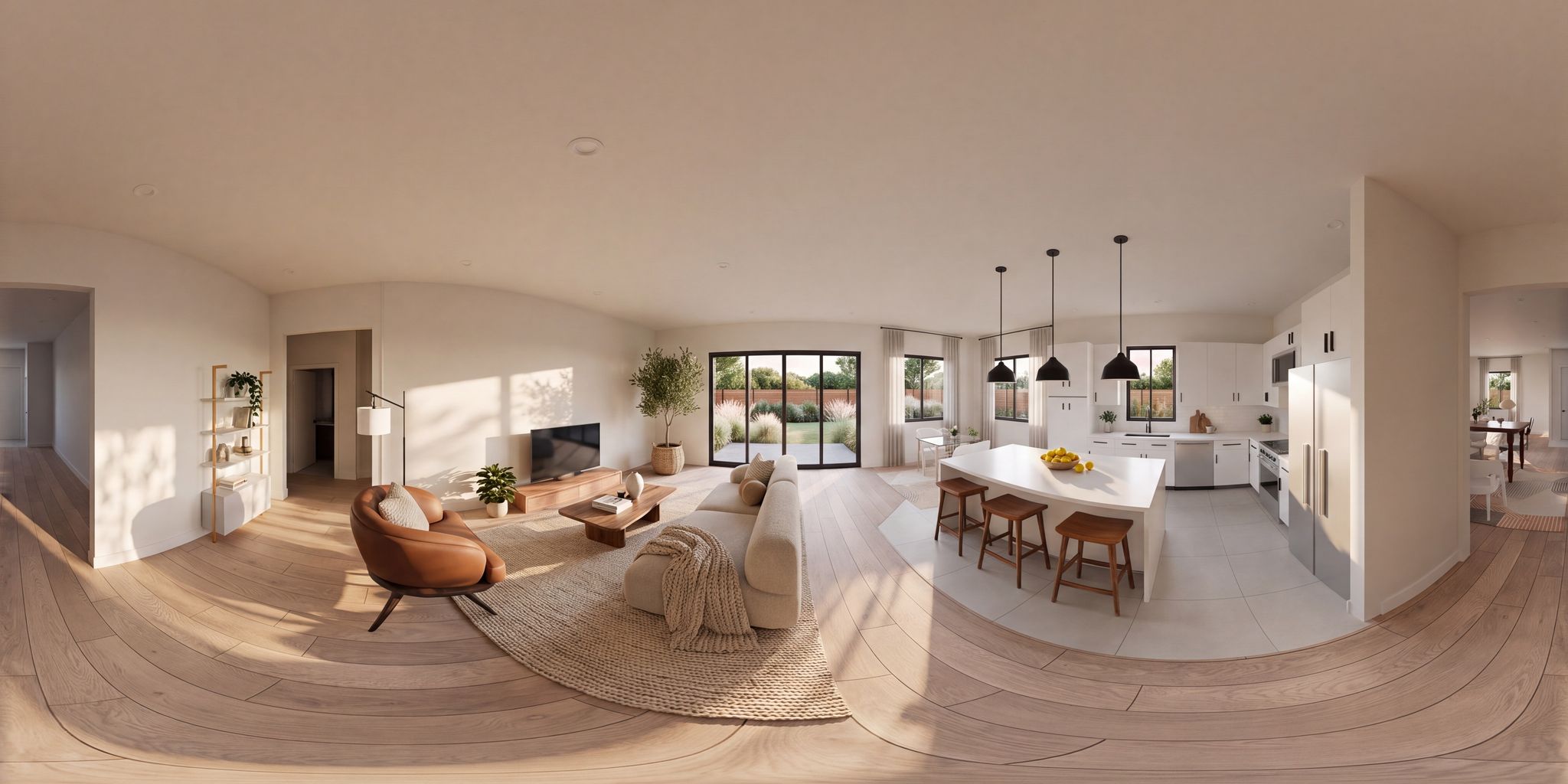 360° · Family room
Sample project; finishes and furniture are illustrative.
A5The Sales Kit
Your sales center, fully stocked.
Every asset matches your drawings and every other asset, so your website, brochure and sales center tell one story. Everything arrives as links your team can share.
Live 3D Model
Buyers orbit the home, switch elevations, add a covered patio or a third garage bay, and lift the roof to see inside, right on your website.
Client Plan Book
Street views, floor plan, elevations, roof plans and 3D views on one page. One link for every buyer, agent and co-broker.
Dollhouse Views
The roof lifts away to show how every room connects. Floor plans finally click for buyers.
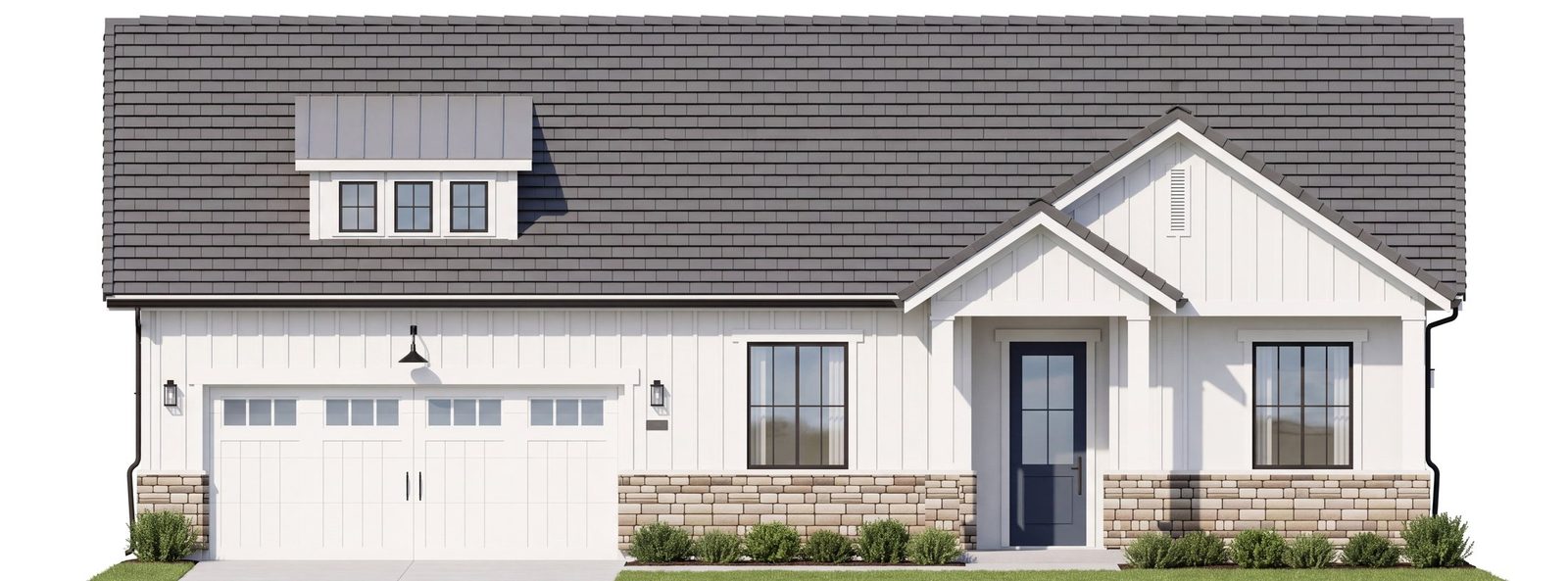
True Elevations
Straight-on fronts, sides and rear at a shared scale, in full photoreal detail. Built for brochures and sales-center boards.
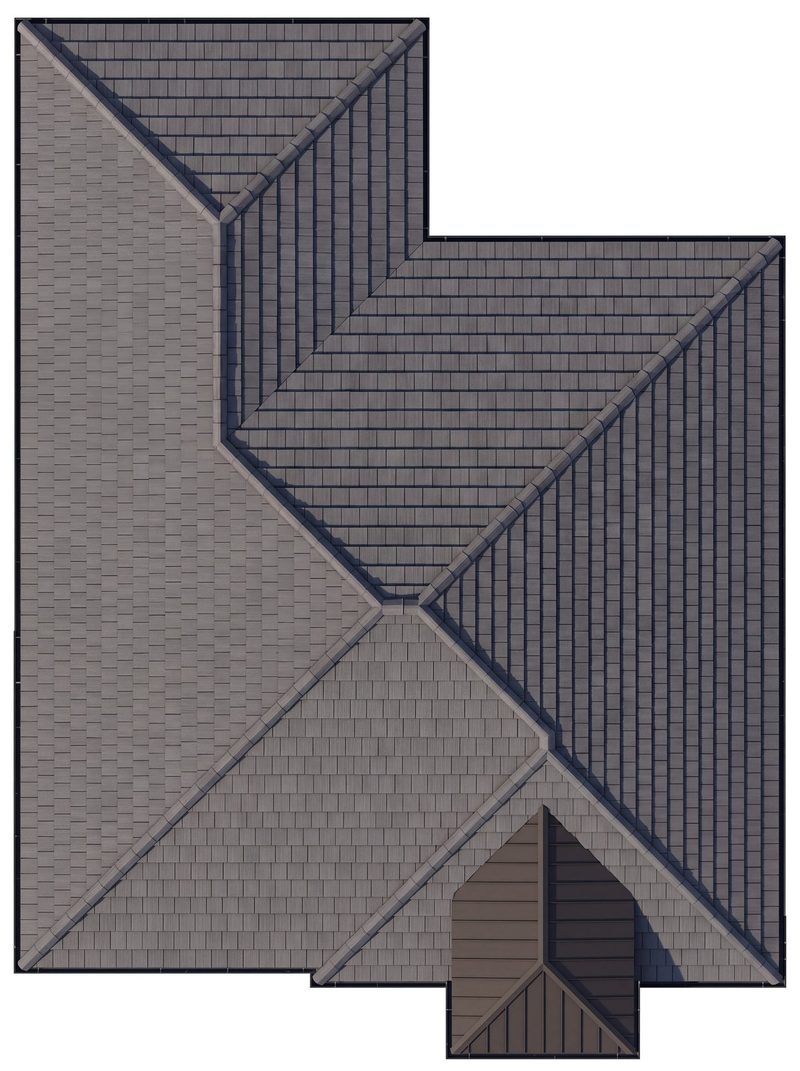
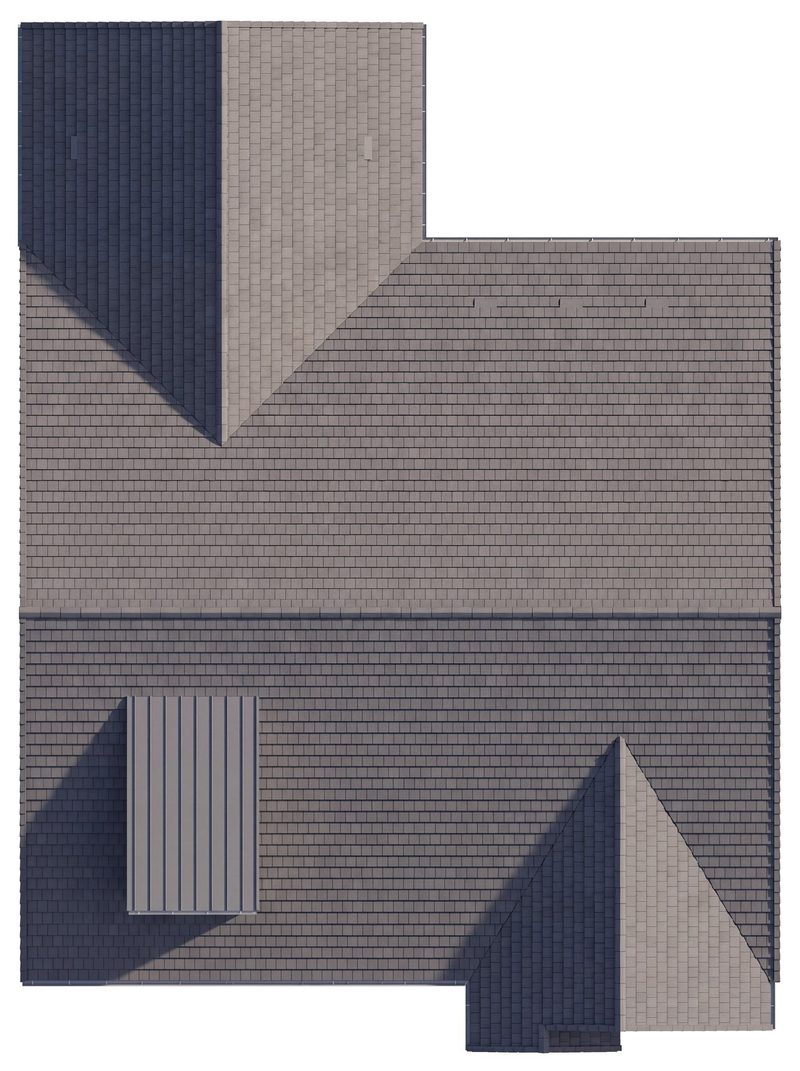
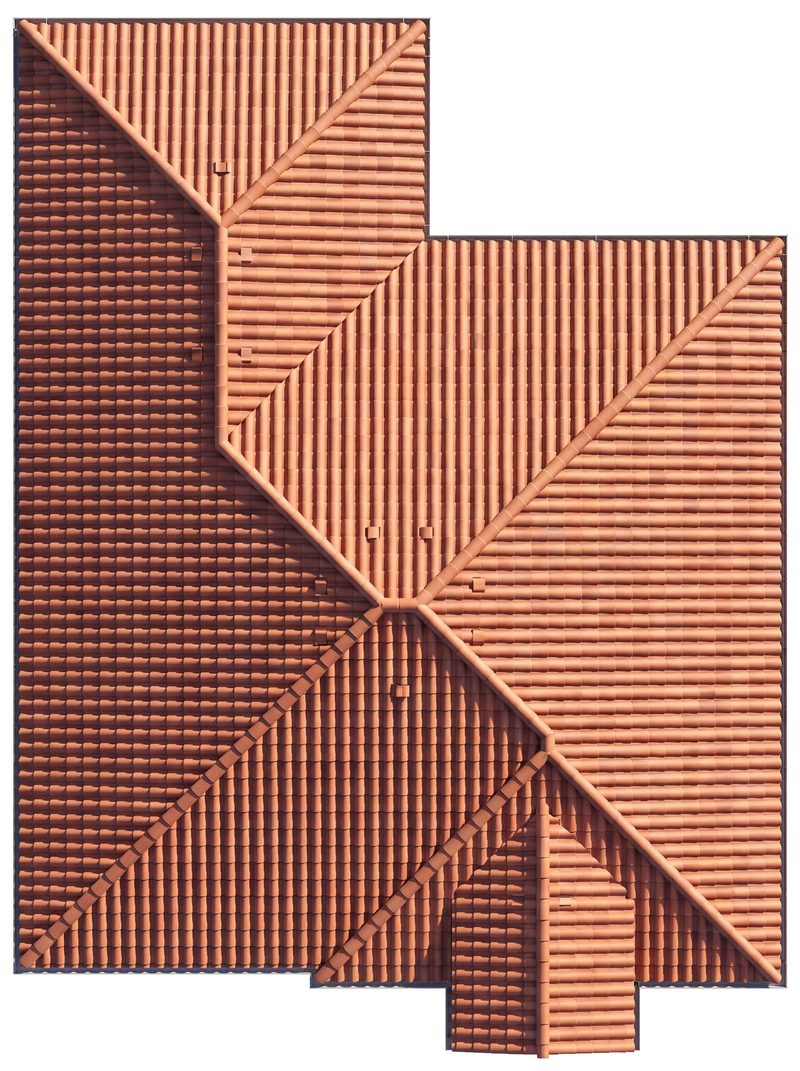
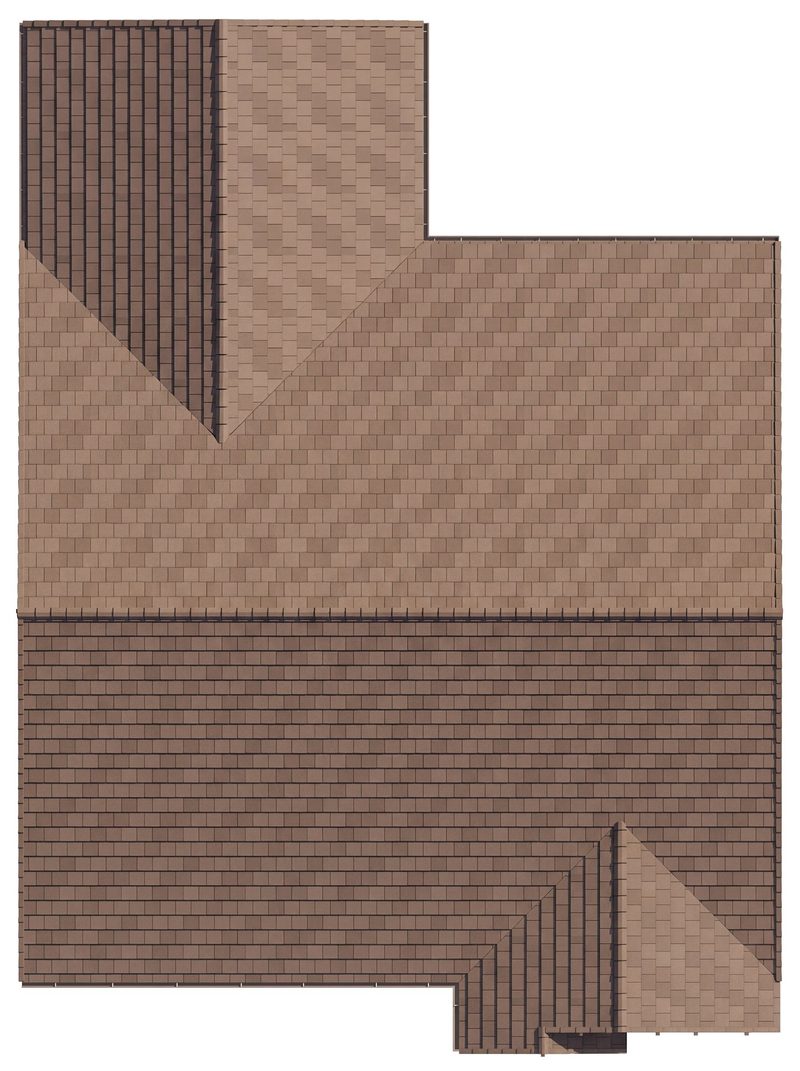
Roof Plans
Every hip, gable, valley and dormer in place, shown in each style’s own roofing.
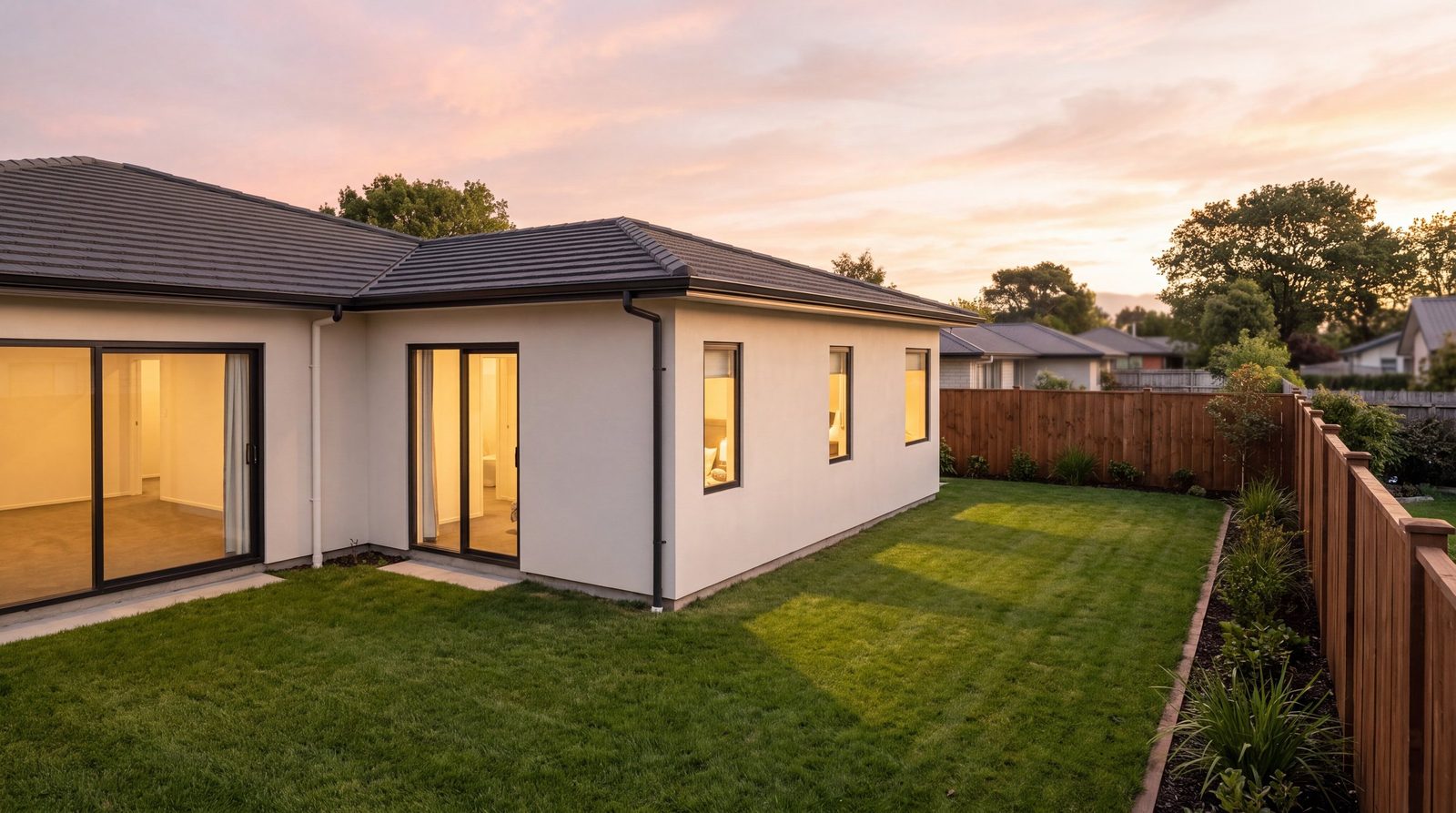
Lifestyle Views
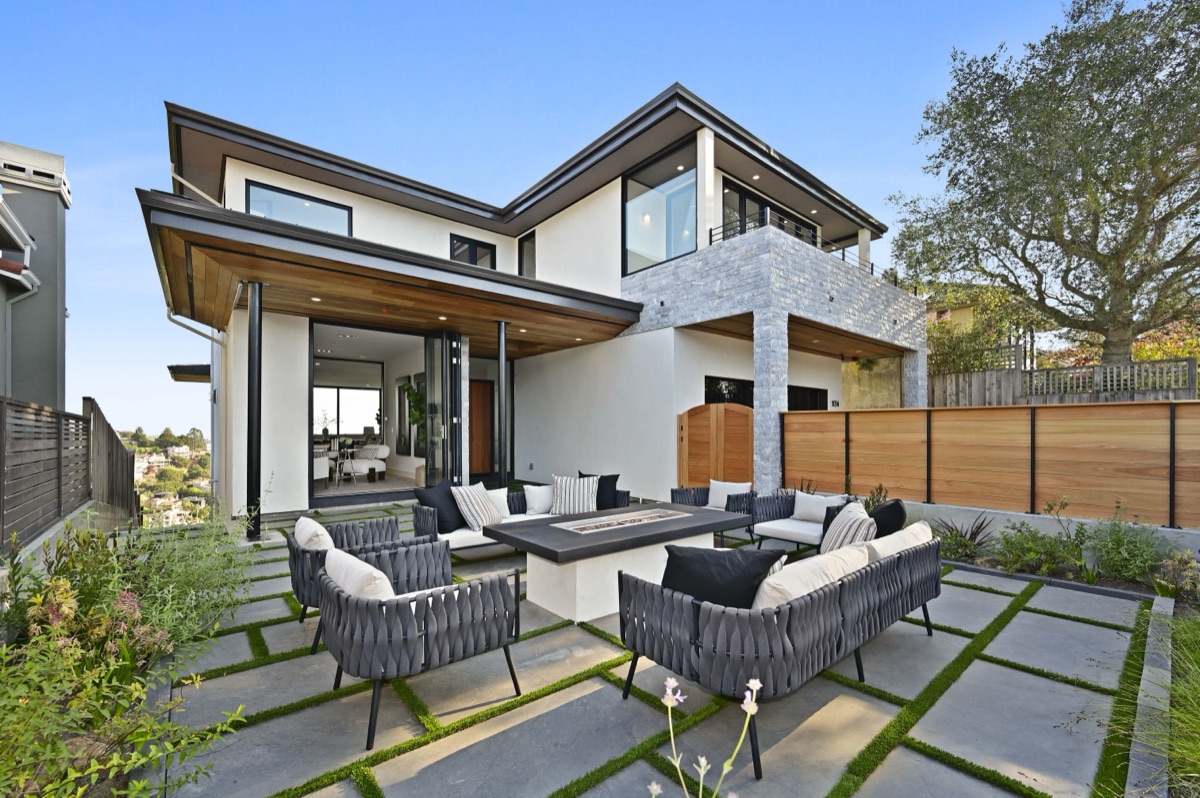
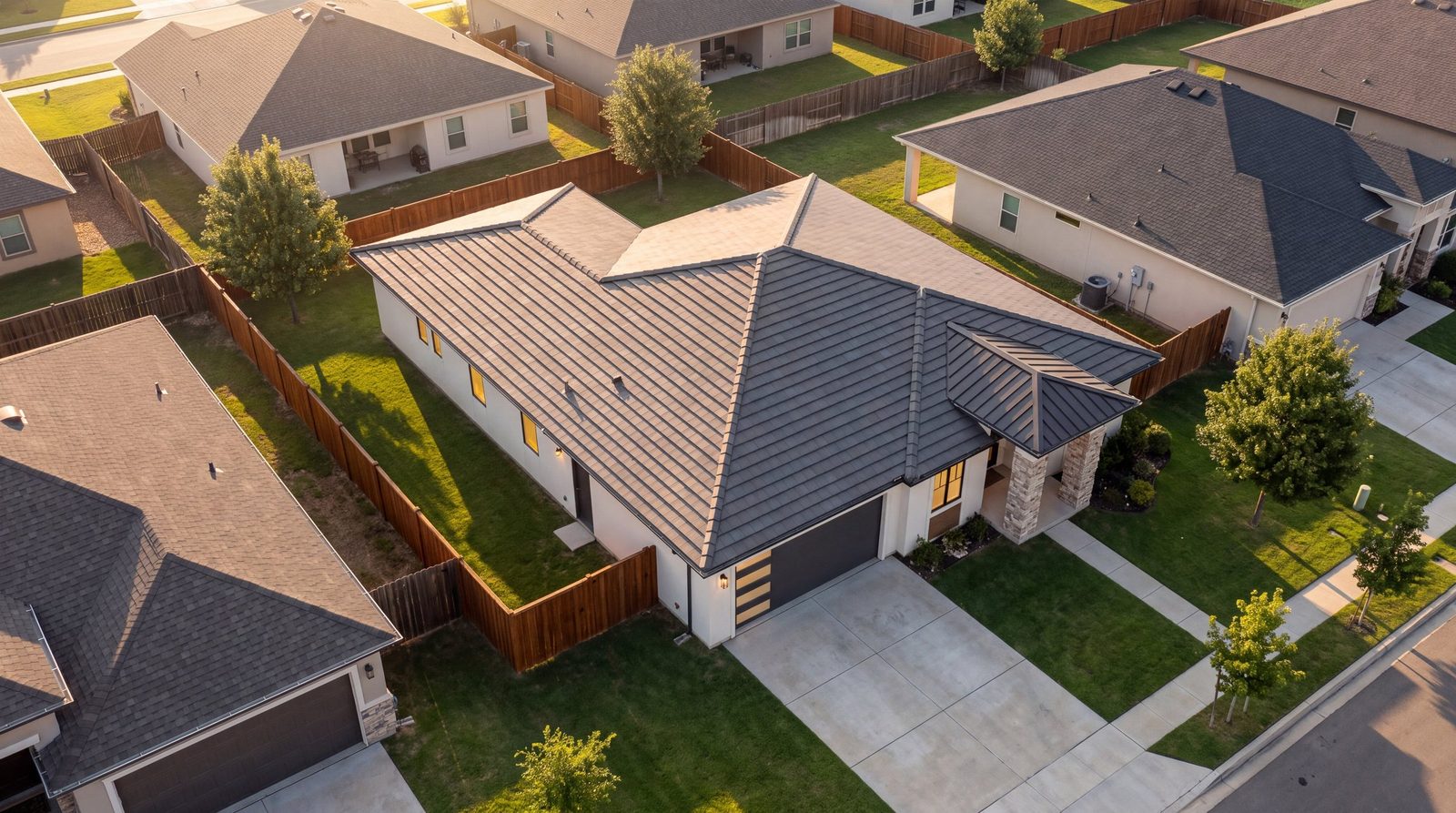
Golden-hour backyard, aerial and street scenes that sell the life, not just the layout. Still true to your plans.
Sample project: a four-bedroom, single-story JKB Living home with four elevations. Images are computer-generated renderings based on its construction drawings, and the drawings govern. Finishes, furniture, landscaping and surroundings are illustrative.
A6Start to Finish
From plan set to sold out.
Here’s the journey from your side of the table: what you send, what you approve and what you get back. You make the calls. We handle everything in between.
Step 1 · Kickoff
Send your plan set
Share the architect’s PDF for one plan or a whole community: floor plan, roof plans, every elevation and any option sheets. We confirm the styles, options and deliverables you need.
- You
- Send the plan set PDF and your wish list.
- You get
- A confirmed scope for every elevation and option.
 Plan set
Step 2 · 3D Review
Sign off on every elevation
Each elevation and option takes shape as a 3D model matched to your drawings. Orbit it from a preview link and mark any changes you want.
- You
- Review the model and sign off.
- You get
- A 3D preview of every elevation and option.
3D previewStep 3 · Photoreal
Approve the final views
Street views, true elevations, roof plans, lifestyle scenes and 360° interiors arrive as proofs. Request tweaks to materials, colors or landscaping, then approve.
- You
- Review proofs and approve.
- You get
- Photoreal images for every style.
Step 4 · Pre-Sales
Open your showroom
Your plan book, live 3D model and 360° tours go live as shareable links. Put them on your website, in listings and emails, and on sales-center screens.
- You
- Share the links and take reservations.
- You get
- Plan book, live 3D model and 360° tours.
Plan book · Live 3D · 360°Step 5 · Build & Sell
Follow it to the final close
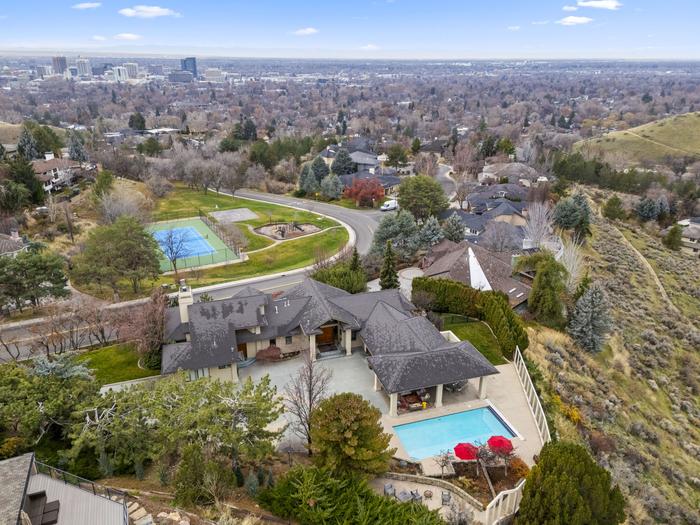
Then we head to the site: lot-line aerials of the raw land, progress flights once dirt moves, your community launch film, listing websites, and model-home photo, video and 3D tours.
- You
- Book shoots as milestones hit.
- You get
- One partner and one look, plan set to closeout.
 CLOUT on site
Construction Phase
When ground breaks, we’re on site.
The team that built your showroom documents the build and launches the community, so every asset tells one story from first reservation to final close.
Drone Progress Documentation
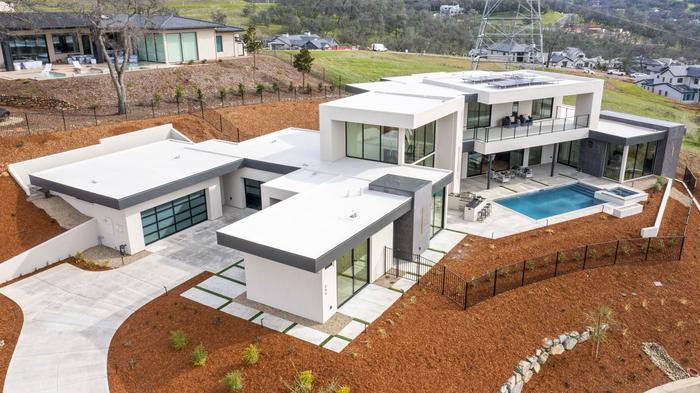
Monthly or bi-weekly flights that verify milestones for investors and show buyers their home taking shape, right beside the views they reserved from.

Pre-Construction Aerials (Lot Lines)
Raw-land aerials with lot lines, future amenities and nearby attractions mapped on, so buyers can pick a homesite for the home they’ve already toured in 3D.
Community Launch Video
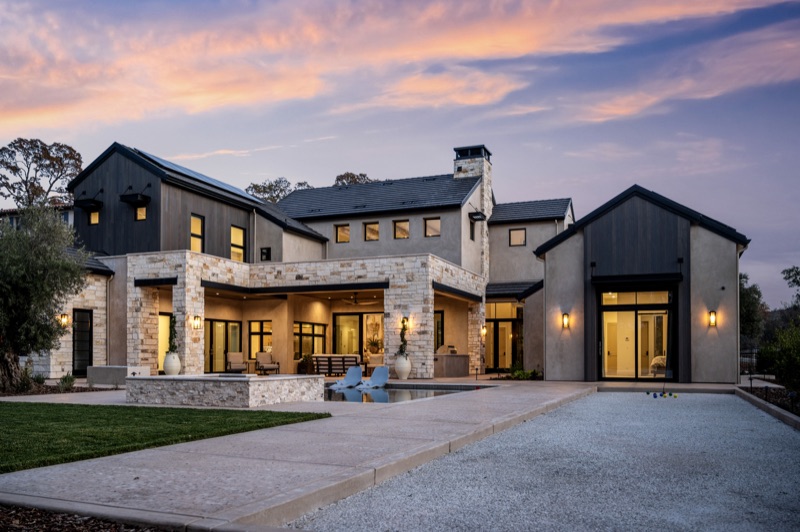
A cinematic, lifestyle-driven film for your grand opening: neighborhood footage, model-home walkthroughs and developer interviews, cut with your photoreal street views.
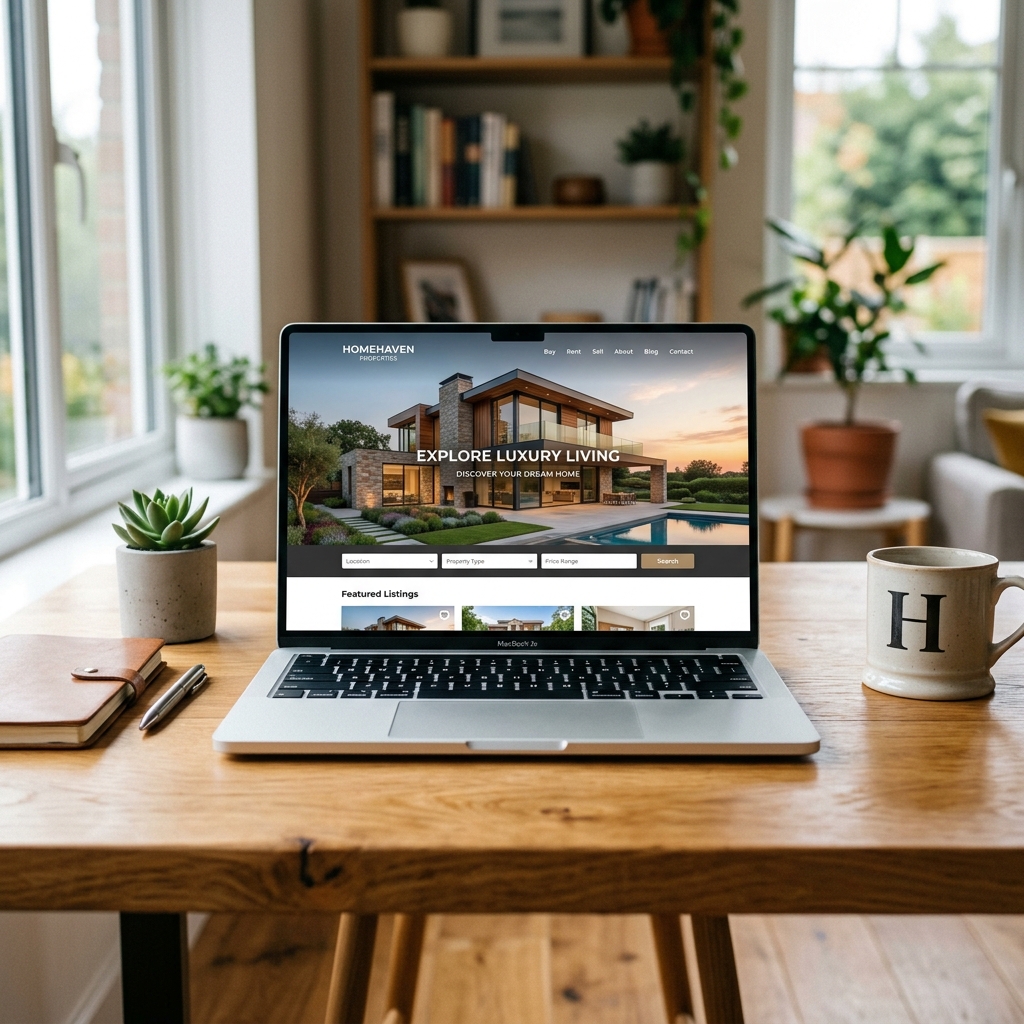
Scalable Listing Websites
Branded pages for each spec home or the whole community, with lead capture, media galleries, and your plan book and live 3D model built in.
A7Powered by Dwelln
The platform behind the showroom.
Plan-to-showroom runs on Dwelln, our technology partner. Today CLOUT delivers it full-service, start to finish. Self-serve tools for your team are in development.
Visit dwelln.io ↗Per-community plan librariesIn development
Upload a plan set once. Every elevation and option stays ready for each community that sells it.
Review and approvalsIn development
Share proofs with your team, collect comments and sign off on every view in one place.
Self-serve brandingIn development
Apply your community’s logo, colors and fonts to every plan book and tour yourself.
A8Pilot Project
Start with one plan.
We’ll take a single plan from drawings to showroom, so you can judge every view against your own sheets.
- What we need
- The architect’s plan set PDF: floor plan, roof plans, every elevation and any option sheets.
- What you get
- The deliverables you choose, delivered as links your team can share the day they’re approved.